THE ARCADE FLIGHT DIVISION
MAJOR
MALLARD★
Reporting for dooty.
Eat bugs. Dodge trouble. Aim from above.
The higher the drop, the bigger the score.
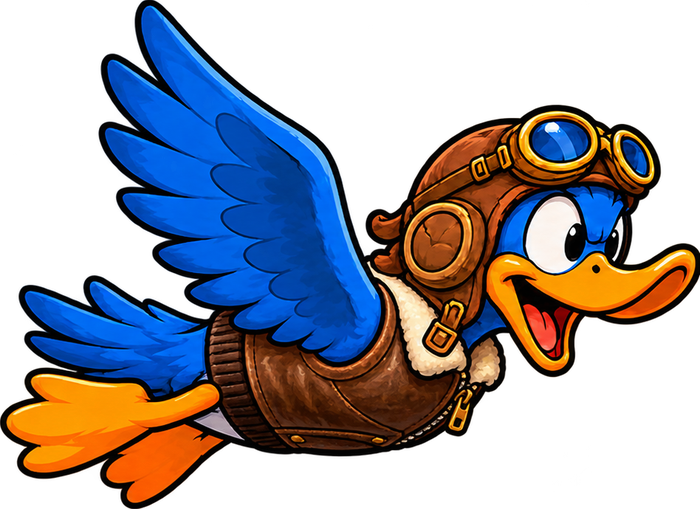
Best flown sideways — rotate your phone.
Reporting for dooty.
Eat bugs. Dodge trouble. Aim from above.
The higher the drop, the bigger the score.